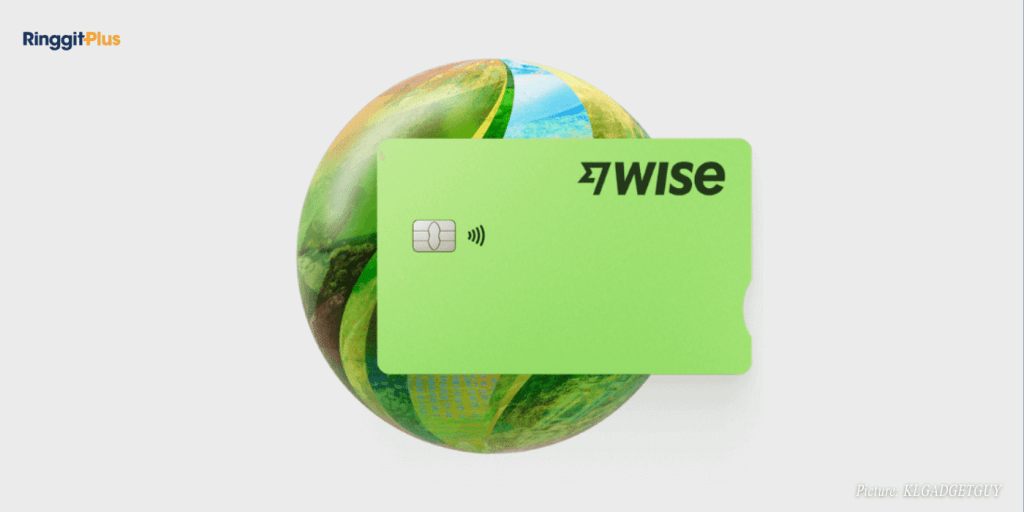
Wise users in Malaysia can now make payments using Samsung Pay, giving them a faster and contactless way to use their Wise card. The feature allows payments in stores, online, and within apps, all without needing the physical card.
This marks a new step for Wise in expanding digital wallet access globally. For Malaysian users, it means another option for convenient, secure spending in multiple currencies at real exchange rates.
How To Add Your Wise Card To Samsung Pay
To start, users need to open the Samsung Pay app on a compatible Galaxy device and select the option to add a payment card. The Wise card details can be entered manually or by scanning the physical card. Once that is done, the app will prompt a verification through an SMS code sent to the registered number.
After the card is verified, it will appear in the Samsung Pay wallet and can be used immediately. A temporary charge may appear on the Wise account during verification, which is usually RM0.00 and will be reversed shortly after.
Who Can Use The Service
Wise cards issued in Malaysia can now be added to Samsung Pay without restrictions. However, cards issued in Japan, the Philippines, or New Zealand are not currently supported. Users with a Wise Mastercard issued in Japan may still use it within the United Kingdom.
The Wise card on Samsung Pay can be used wherever contactless payments are accepted. This includes physical stores, public transport systems, and online transactions that support Samsung Pay, Mastercard, or Visa.
Transaction limits will remain the same as the standard Wise card limits. However, some merchants may apply their own contactless limits, depending on the value of the purchase.
What This Means For Malaysian Users
For Malaysians who use Wise for international spending, Samsung Pay adds an extra layer of convenience. It allows quick payments directly from a phone, without the need to carry multiple cards or handle physical currency exchanges.
Wise continues to convert Malaysian ringgit to foreign currencies at the mid-market exchange rate, making it easier for users to manage overseas spending and online purchases.
Samuel writes about personal finance and financial news, focusing on how banking updates, policies, and promotions affect everyday money decisions. He enjoys making complicated financial topics easier to follow. Outside of writing, he spends his time watching TV shows and occasionally convincing himself he will only watch one episode.
11vote
Article Rating
SHARE
About THE AUTHOR
Samuel Chua
Samuel Chua
Samuel writes about personal finance and financial news, focusing on how banking updates, policies, and promotions affect everyday money decisions. He enjoys making complicated financial topics easier to follow. Outside of writing, he spends his time watching TV shows and occasionally convincing himself he will only watch one episode.
We provide weekly updates on every Friday at 5pm on the prices of RON95, RON97 and Diesel in Malaysia and a chart that shows the movement of fuel prices across a 6-week period. Bookmark this page now!





Comments (0)