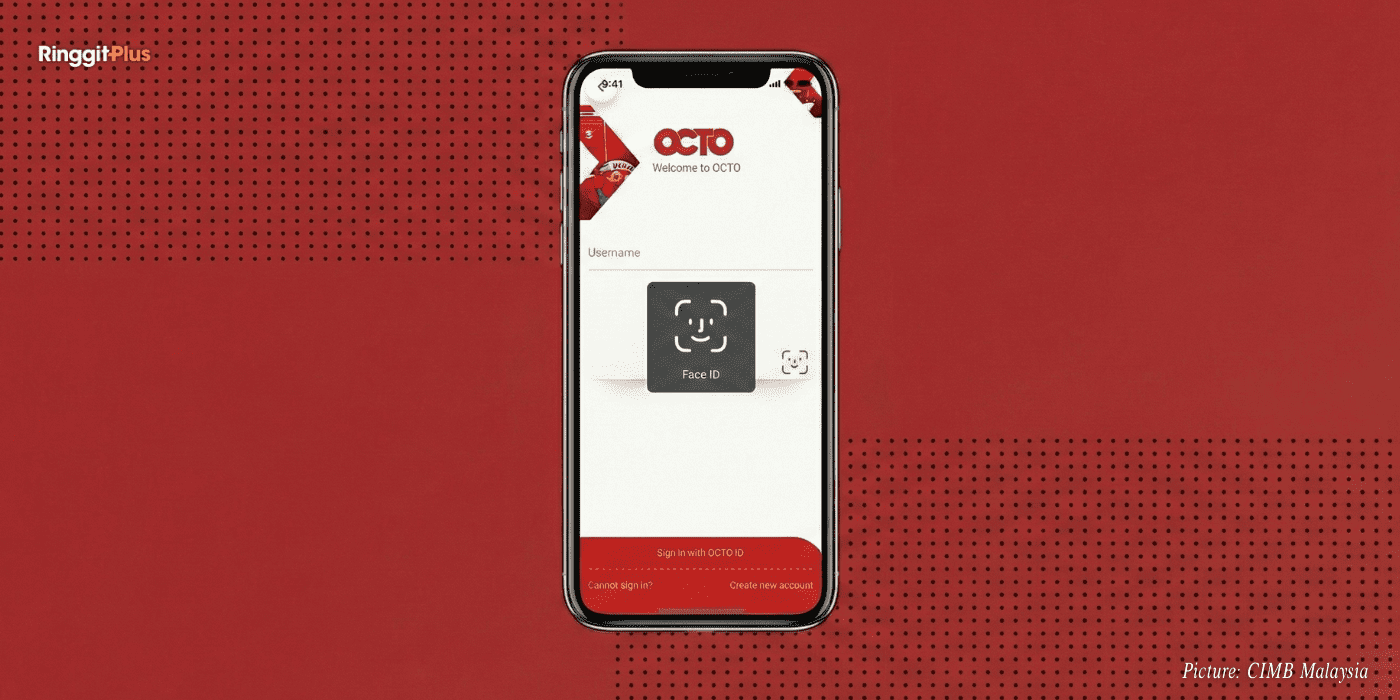
CIMB has rolled out a new biometric authentication feature on the CIMB OCTO App, adding another layer of protection for customers making online banking transactions. The update is already in effect and applies to transactions approved using SecureTAC.
The move comes as part of wider efforts across the banking sector to reduce fraud risks and improve customer confidence when banking online.
How Biometric Verification Works In Everyday Transactions
With the new feature in place, customers approving transactions through SecureTAC will now be prompted to verify their identity using biometrics. This includes Face ID for supported iOS devices or fingerprint recognition on compatible smartphones.
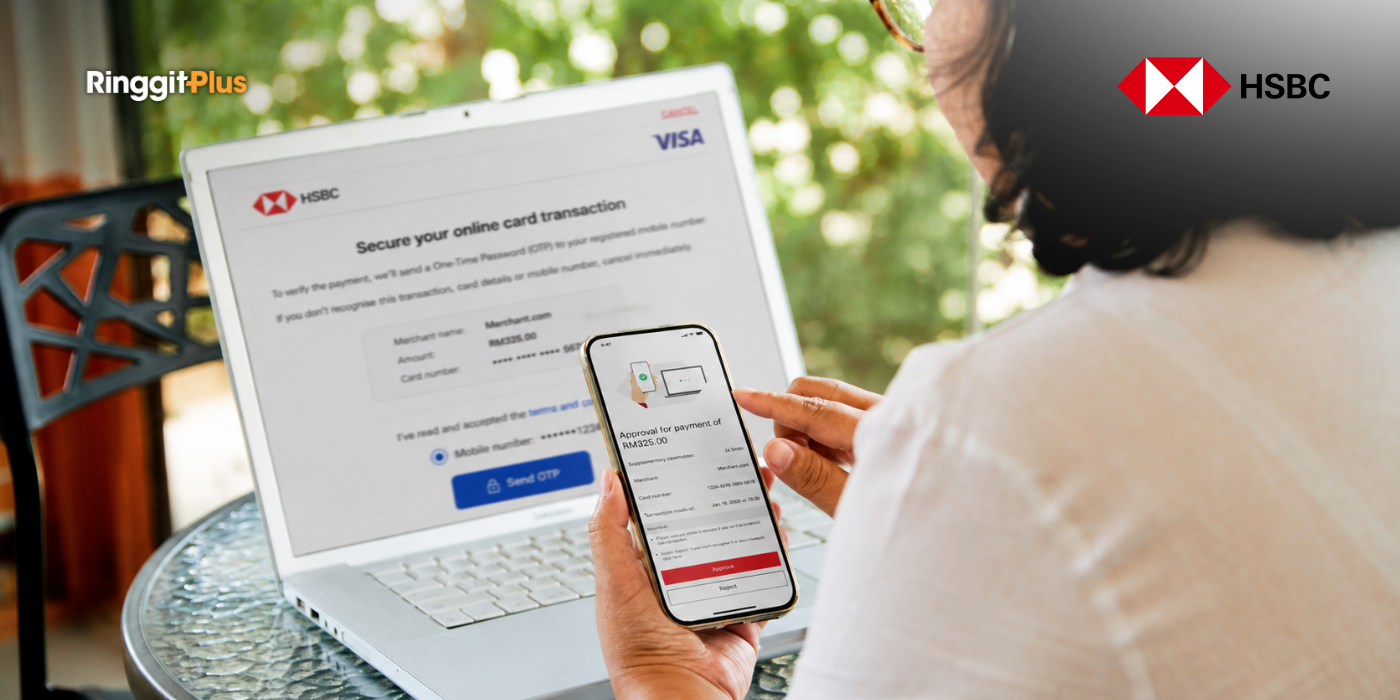
After a customer approves a transaction on CIMB Clicks Web, a push notification is sent to the CIMB OCTO App. Once the SecureTAC approval is confirmed, the app will request biometric verification before the transaction is completed. This extra step is designed to ensure that only the authorised account holder can finalise the transaction.
For customers, this means slightly longer approval times, but with added assurance that unauthorised access is less likely.
Alignment With Bank Negara Malaysia Security Requirements
CIMB’s introduction of biometric verification follows directives from Bank Negara Malaysia to strengthen online banking security. These requirements are already in force and are aimed at reducing financial scams, particularly those involving stolen credentials or social engineering.
By combining SecureTAC with biometric checks, the bank adds a safeguard that cannot be easily shared, intercepted, or misused.
Existing Safety Features Within The CIMB OCTO App
The biometric update complements several security tools already available on the CIMB OCTO App. These include SecureTAC for transaction approvals, Lock Clicks ID to immediately restrict account access, single-device registration for the app, and electronic know-your-customer verification for first-time logins.
Together, these features are intended to limit exposure if a device is lost, compromised, or targeted by scammers.
What Customers Can Do To Stay Protected
From a personal finance perspective, the effectiveness of these tools depends on how customers use them. Keeping the device operating system and the CIMB OCTO App updated ensures that the latest security patches are active. Downloading the app only from official app stores also reduces the risk of malware.
When switching phones, customers are advised to remove the old device from their account before logging in on a new one. If suspicious activity is detected, immediate steps such as activating Lock Clicks ID, contacting CIMB’s Consumer Contact Centre, changing account credentials, and lodging a police report can help limit potential losses.
Why This Update Affects Daily Banking Decisions
For most customers, online banking is part of daily life, from paying bills to transferring funds. The addition of biometric authentication may feel like a small change, but it directly affects how securely these everyday transactions are carried out.
As scams continue to target digital banking users, features that rely on physical identifiers such as fingerprints or facial recognition play an important role in protecting savings and reducing the financial impact of fraud.
Follow us on our official WhatsApp channel for the latest money tips and updates.
Samuel writes about personal finance and financial news, focusing on how banking updates, policies, and promotions affect everyday money decisions. He enjoys making complicated financial topics easier to follow. Outside of writing, he spends his time watching TV shows and occasionally convincing himself he will only watch one episode.
00votes
Article Rating
SHARE
About THE AUTHOR
Samuel Chua
Samuel Chua
Samuel writes about personal finance and financial news, focusing on how banking updates, policies, and promotions affect everyday money decisions. He enjoys making complicated financial topics easier to follow. Outside of writing, he spends his time watching TV shows and occasionally convincing himself he will only watch one episode.






Comments (0)