WhatsApp is rolling out several security changes that could make it harder for someone to take over your account and give you more information before you answer an unfamiliar call.
The updates include replacing its six-digit two-step verification PIN with a stronger password, letting you add more than one passkey to your account, and showing Android users more details about unknown callers.
If you haven’t checked your WhatsApp security settings in a while, this is a good reason to do it.
Your Six-Digit WhatsApp PIN Will Keep Working For Now
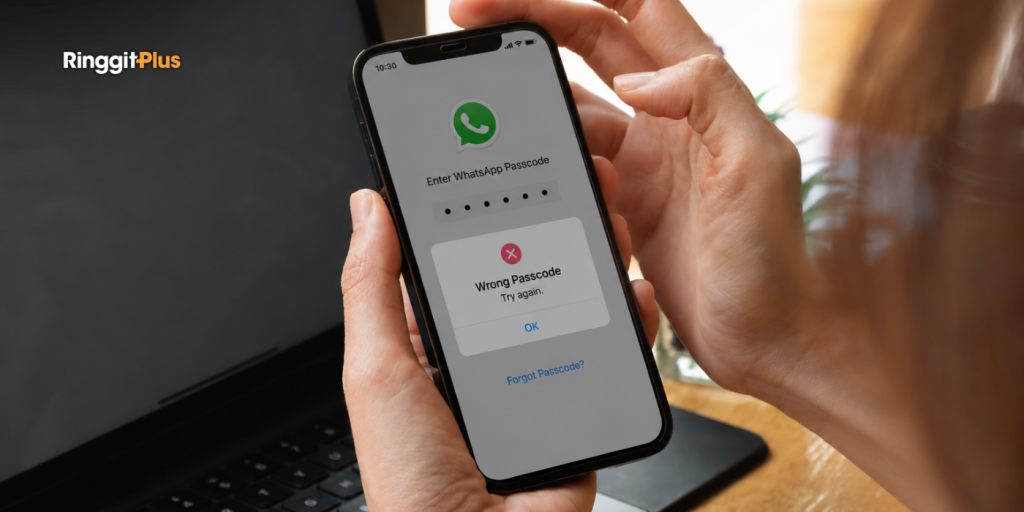
WhatsApp is upgrading two-step verification from a six-digit PIN to a password.
Two-step verification adds another layer of protection when your phone number is registered with WhatsApp again. Even if someone gets hold of your one-time verification code, they’ll still need your two-step verification credential.
Your existing six-digit PIN will continue to work for now, so you won’t suddenly lose access to your account if you haven’t upgraded.
WhatsApp is encouraging users to make the switch, particularly if you’ve been using an easy-to-guess PIN such as “123456”.
The new password must be at least eight characters long and include at least one letter and one number. Special characters can also be used.
How To Turn On Two-Step Verification On Android
If you haven’t enabled two-step verification yet, you can do it from your WhatsApp settings:
Tap You at the bottom right.
Tap Account.
Select Two-step verification.
Tap Turn on and follow the instructions.
If you already have two-step verification with a six-digit PIN, you can use the same settings to upgrade to the new password.
You Can Now Add More Than One WhatsApp Passkey
More than 1 billion people already use a passkey to protect their WhatsApp accounts, according to the company.
A passkey lets you verify yourself using your device’s existing security, such as your fingerprint, Face ID or screen lock, instead of relying on another PIN. It is the safest way to secure your account.
WhatsApp now lets you add more than one passkey to your account. This is useful if you use both Android and iOS devices, as you can have a passkey associated with each one.
You can check your passkeys under Settings > Account > Passkeys.
Android Users Get More Information About Unknown Callers
WhatsApp is also giving Android users more context when someone they don’t have saved in their contacts calls them.
You may see details such as whether the caller’s number is from another country and whether you have any WhatsApp groups in common.
It won’t tell you whether the caller is legitimate, but it gives you another reason to pause before answering.
For example, an unexpected call from an overseas number that you don’t recognise and have no groups in common with may be one you’d rather leave unanswered.
The feature is currently only available on Android. WhatsApp has not said when it will come to iPhone.
Follow us on our official WhatsApp channel for the latest money tips and updates.
Christina writes about personal finance with an eye for making the complicated feel straightforward. She is drawn to the everyday money decisions people face and genuinely enjoys finding the clearest way to explain them. Between articles, she is probably napping, on a hiking trail, or terrorising her sister’s cats.
00votes
Article Rating
SHARE
About THE AUTHOR
Christina Chandra
Christina Chandra
Christina writes about personal finance with an eye for making the complicated feel straightforward. She is drawn to the everyday money decisions people face and genuinely enjoys finding the clearest way to explain them. Between articles, she is probably napping, on a hiking trail, or terrorising her sister's cats.
We provide weekly updates on every Friday at 5pm on the prices of RON95, RON97 and Diesel in Malaysia and a chart that shows the movement of fuel prices across a 6-week period. Bookmark this page now!






Comments (0)