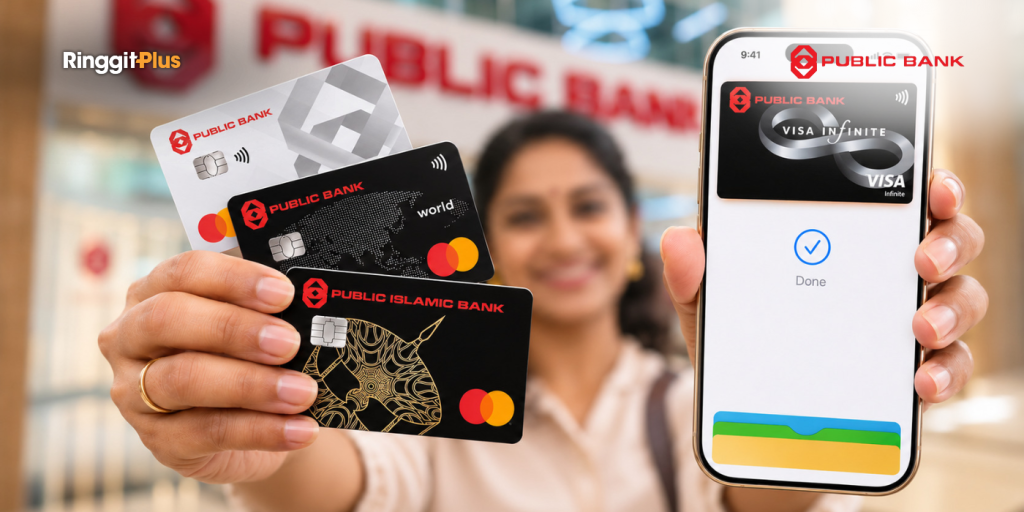
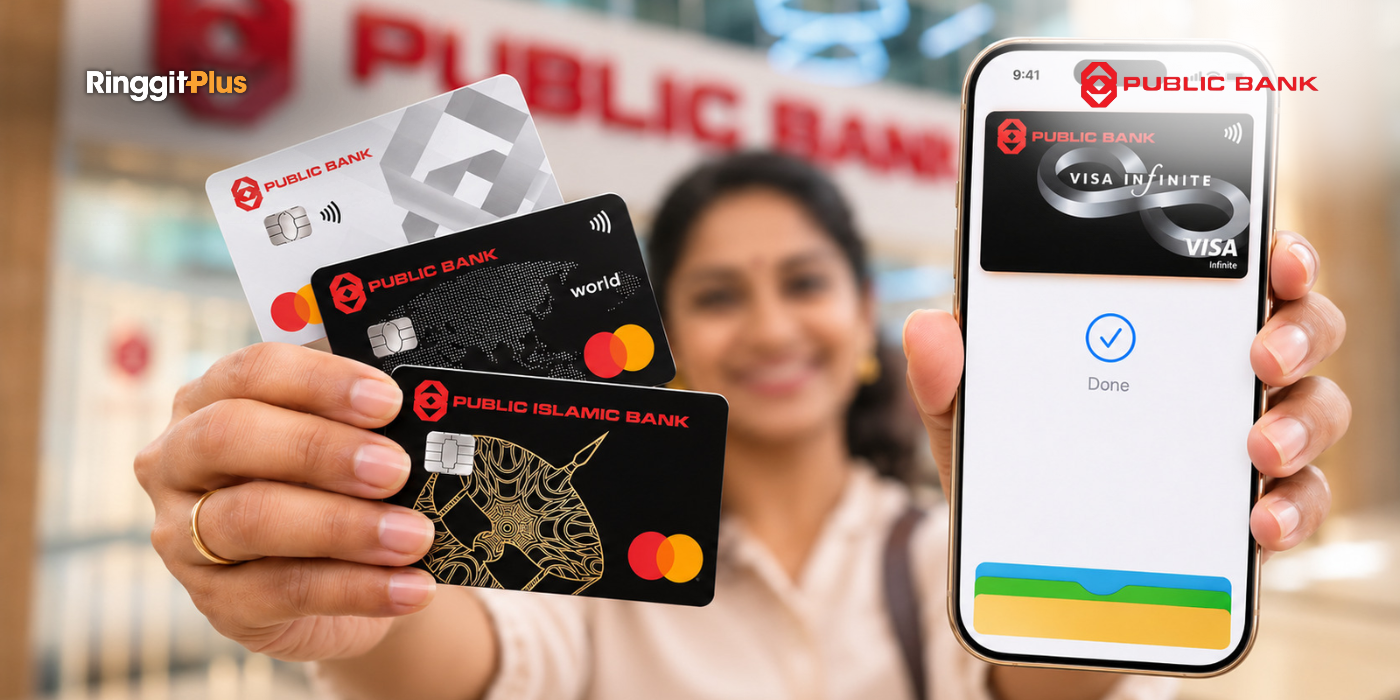
Public Bank and Public Islamic Bank cardholders can now add their cards to Apple Wallet and pay with an iPhone or Apple Watch. To mark the launch, Public Bank is giving up to RM30 cashback to cardholders who use Apple Pay until 16 December 2026.
Most Public Bank Credit And Debit Cards Are Supported
Apple Pay works with almost all Visa and Mastercard credit and debit cards from Public Bank (PB) and Public Islamic Bank (PIB). Once your card is in Apple Wallet, you can tap your iPhone or Apple Watch at the counter instead of your physical card. You can also pay in apps and on websites that accept Apple Pay.
Every Apple Pay payment needs your Face ID, Touch ID, or passcode. Remember: Apple Pay also doesn’t keep your real card number on your phone, and shops won’t see your card number when you pay with Apple Pay.
Four cards aren’t supported. They’re the PB-AIA Visa Gold Credit Card, the PB Visa Commercial Card, the PB Visa Business Card, and the PB UnionPay Lifestyle Debit Card. If you hold one of these, you’ll need a different Public Bank card for Apple Pay.
Add Your Card To Apple Wallet
You can add your card through the MyPB app. Open MyPB, select Apple Wallet, and follow the steps on the screen to verify your card. You can also start from the Apple Wallet app and choose to add your card through MyPB.
If you’d rather not use MyPB, open Apple Wallet and tap the plus (+) button. From there, hold your physical card close to your iPhone to add it, or type in your card details yourself. Either way, you’ll need to complete a verification step before you can pay.
The first card you add becomes your default card for Apple Pay. If you add more than one card, you can change your default card at any time.
Three RM50 Payments Earn You RM10 Cashback
Public Bank’s cashback offer runs from 17 November to 16 December 2026. The campaign is open to principal cardholders of Public Bank credit cards, Public Islamic Bank Credit Card-i, and Public Bank debit cards. Supplementary cardholders can’t take part.
Once you’ve registered for the campaign, each Apple Pay payment of RM50 or more counts towards your cashback. The payments must be made with a Public Bank card you’ve newly added to Apple Pay. For every three payments, you get RM10. To get the full RM30 cashback, you’ll need to make nine payments.
There’s a time limit too. The bank’s terms say you must make your payments within 30 days of adding your card to Apple Pay. Your card also has to stay in Apple Wallet during and after the campaign for you to receive the cashback.
Public Bank has set aside RM15,000 in total for the campaign, and the cashback is given on a first-come, first-served basis. You’ll receive the cashback in your card account 8 to 12 weeks after the campaign ends. If you haven’t received your cashback by then, call PB Card Customer Service at 03-2170 8000 by 16 March 2027.
Shopping And E-Wallet Top-Ups Count, Bill Payments Don’t
Most everyday spending counts towards the cashback. This includes payments at shops, online purchases, and e-wallet top-ups. New purchases on a Zero Interest Instalment Plan (ZIIP) or Zero Profit Instalment Plan (ZPIP) count too. For these, the bank counts the full price, not each monthly instalment.
Some payments don’t count at all. These include utility bills, insurance, government payments, auto-debits, and other recurring payments. Payments made through the PBe website or the MyPB app are also left out. The same goes for cash withdrawals, fees, charity payments, and any refunded or disputed purchases.
Your Usual Grocery Run Can Count Towards The RM30
Shops that take contactless card payments should also accept Apple Pay. So the nine payments don’t have to be special purchases. A weekly grocery run of RM50 or more counts as one payment, as long as you pay with Apple Pay using your newly added card.
If you’re using a credit card, pay your card bill in full by the due date. Interest is charged on any amount you leave unpaid. With a debit card, the money comes straight out of your bank account, so check your balance before you tap.
Register With The Keyword PBQT Before You Start
You only need to register once, between 17 November and 16 December 2026. Log in to PBe and register with the campaign keyword PBQT. You can also send an SMS with the word PBQT to 68333. Normal SMS charges from your telco apply.
You’ll get a confirmation once your registration goes through, either on PBe or by SMS. After that, add your Public Bank card to Apple Wallet and start making your RM50 payments. The full list of payments that count is in the Public Bank Apple Pay campaign terms and conditions [PDF].
Follow us on our official WhatsApp channel for the latest money tips and updates.
As a creative content writer, Eloise has covered finance, business, lifestyle topics, and even moonlights as a singer-songwriter outside of RinggitPlus. Her current interests are learning the best ways to optimise spending and credit card hacks to gain more airline miles.
About THE AUTHOR
Eloise Lau
Eloise Lau
As a creative content writer, Eloise has covered finance, business, lifestyle topics, and even moonlights as a singer-songwriter outside of RinggitPlus. Her current interests are learning the best ways to optimise spending and credit card hacks to gain more airline miles.




Comments (0)