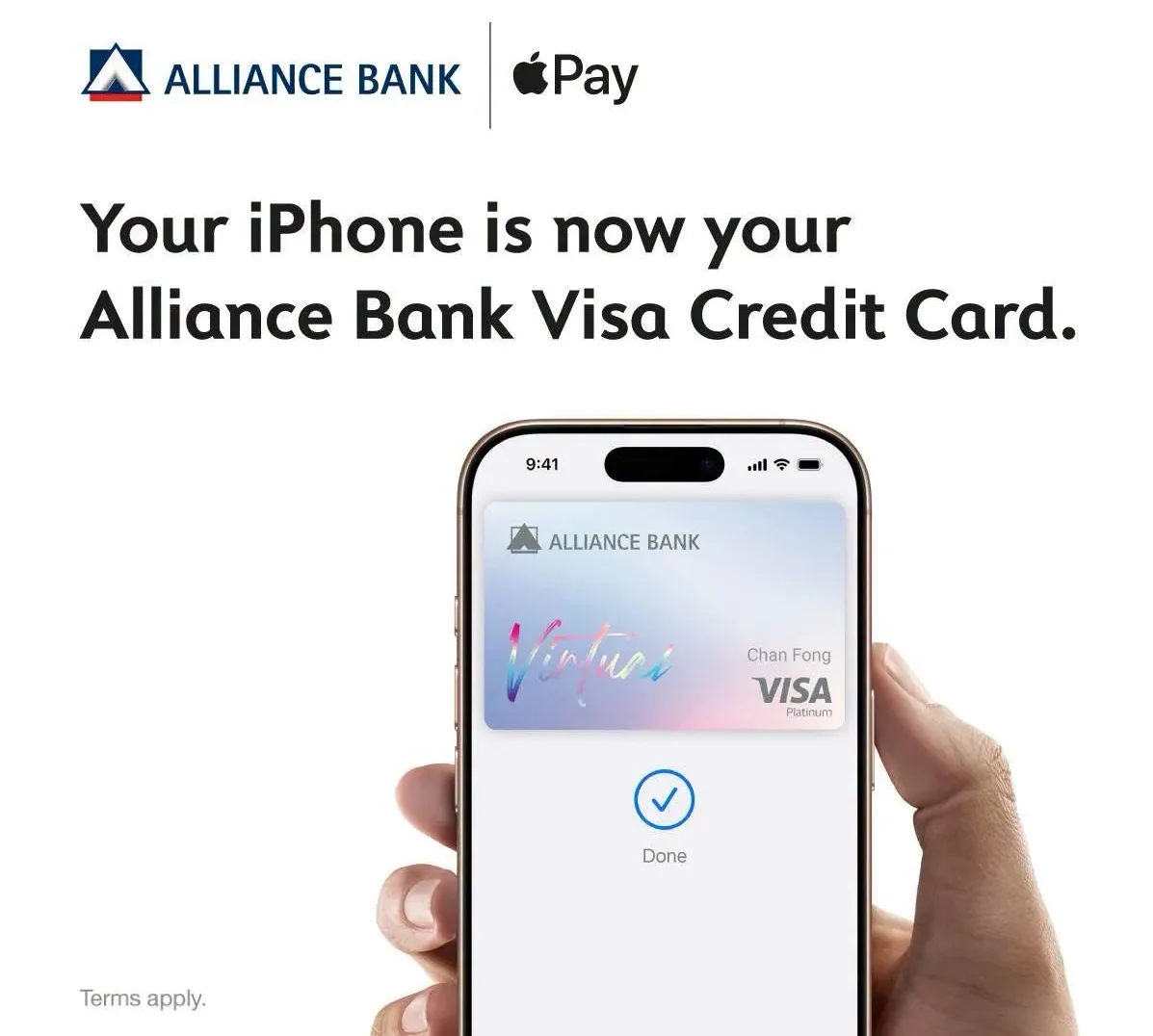
Waiting to use Apple Pay with your Alliance Bank credit card? You no longer have to. Alliance Bank customers can now add their eligible Visa Credit Card to Apple Pay through the latest version of the allianceonline mobile app. Once added, customers can make contactless payments with their iPhone, Apple Watch and other compatible Apple devices.
To get started, update the allianceonline app to the latest version. Once updated, eligible cardholders can either add their card through the app or directly from Apple Wallet.
How To Set Up Apple Pay
If you’re using Alliance Bank’s Virtual Credit Card, log in to the allianceonline app and tap “Add to Apple Wallet”. Follow the on-screen verification steps and your card will be ready to use once approved.
If you’re adding a physical Visa Credit Card, open Apple Wallet, tap the “+” button, then scan or enter your card details before completing the verification process.
Once your card has been successfully verified, you can start using Apple Pay straight away for contactless purchases in stores, online and in supported apps.
Before You Start Using Apple Pay
Using Apple Pay doesn’t change the rewards you already receive. Eligible transactions continue to earn the same reward points or cashback as paying with your physical Alliance Bank Visa Credit Card, subject to your card’s terms and conditions.
If you have more than one Apple device, you can register the same credit card on each compatible device. Supplementary cards, however, need to be added separately.
Apple Pay can also be used overseas wherever Apple Pay or contactless Visa payments are accepted, subject to merchant acceptance.
One difference worth knowing is that Apple Pay payments aren’t subject to Malaysia’s RM250 contactless transaction limit that applies when tapping a physical credit card. Instead, purchases are limited by your available Alliance Bank credit limit.
Apple Pay is available on compatible iPhone, Apple Watch, iPad, Mac and Apple Vision Pro devices running supported versions of Apple’s operating system.
Follow us on our official WhatsApp channel for the latest money tips and updates.
Christina writes about personal finance with an eye for making the complicated feel straightforward. She is drawn to the everyday money decisions people face and genuinely enjoys finding the clearest way to explain them. Between articles, she is probably napping, on a hiking trail, or terrorising her sister’s cats.
00votes
Article Rating
SHARE
About THE AUTHOR
Christina Chandra
Christina Chandra
Christina writes about personal finance with an eye for making the complicated feel straightforward. She is drawn to the everyday money decisions people face and genuinely enjoys finding the clearest way to explain them. Between articles, she is probably napping, on a hiking trail, or terrorising her sister's cats.










Comments (0)