Alex Cheong Pui Yin
Previously covered recruitment-related stories and had a short stint as a copywriter for the property industry. She subsequently developed an interest in investment and robo-advisors.

8th August 2023 - 3 min read

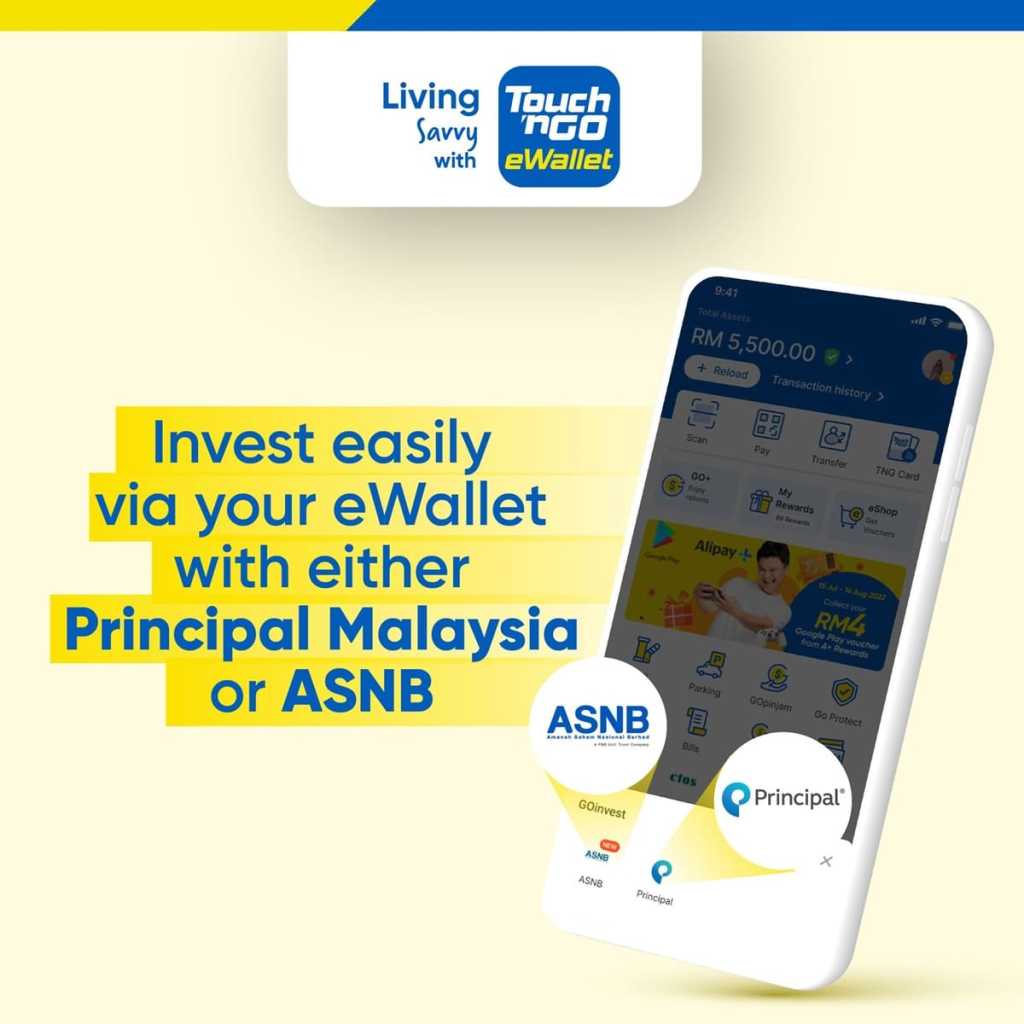
Touch ‘n Go (TNG) eWallet has enabled access to Amanah Saham Nasional Berhad (ASNB), allowing existing investors to conveniently view their ASNB accounts and invest in ASNB funds through the eWallet itself. The integration of this new feature is made possible via another existing investment facility on TNG eWallet, namely GOinvest.
According to TNG eWallet’s FAQ, this new feature will enable users to check on their existing ASNB accounts, as well as make new investments or top-up their current investments in all 17 unit trust funds offered by ASNB (categorised as either fixed price funds and variable funds). These include Amanah Saham Bumiputera (ASB), Amanah Saham Malaysia (ASM), Amanah Saham Nasional (ASN), ASN Equity Global, and the latest shariah fund ASN Sukuk – just to name a few.
Here’s the full list of ASNB services that you can tap into via TNG eWallet:
As you can see, the current ASNB feature on TNG eWallet is not yet able to support the opening of ASNB accounts. To do that, you’re still required to download the myASNB app or submit your application to ASNB branches and agents.
You’re also not able to redeem your ASNB investment through TNG eWallet. This, too, has to be done via the myASNB app or portal, or by visiting the nearest ASNB branch near you. Alternatively, you can speak to your agent.
Meanwhile, for those who are looking to invest in ASNB funds via TNG eWallet, note that the minimum initial investment for each ASNB fund via TNG eWallet remains unchanged at RM10. There is also a sales charge of up to 2% for variable price fund investments (but no service fee), depending on the fund that you opt for. Fixed price funds, on the other hand, have a service fee of RM1 (but no sales charge).

If you’d like to check out the new ASNB feature on TNG eWallet, you can simply tap on the “ASNB” tile on your TNG eWallet home screen. If you are unable to see the ASNB tile on your home screen, then tap on the GOinvest tile instead, and you’ll find ASNB alongside GOinvest in the navigation bar that pops up. From there, tap on “Start Now” and log into your ASNB account to enjoy any of the ASNB services that are available via TNG eWallet.
Alternatively, you may check out this video guide from TNG eWallet to help you access the ASNB feature on your eWallet app:
Previously covered recruitment-related stories and had a short stint as a copywriter for the property industry. She subsequently developed an interest in investment and robo-advisors.







Comments (0)